
Course · Ladder programming
PLC course
Write Ladder programs by hand on a simulator with buttons, sensors and moving machines, and understand the PLC from wiring to troubleshooting.
The first two lessons and lesson 5 are free, no account needed
The lessons are in Arabic for now; the English version is on the way. Device screens and codes are the same as on the real hardware.
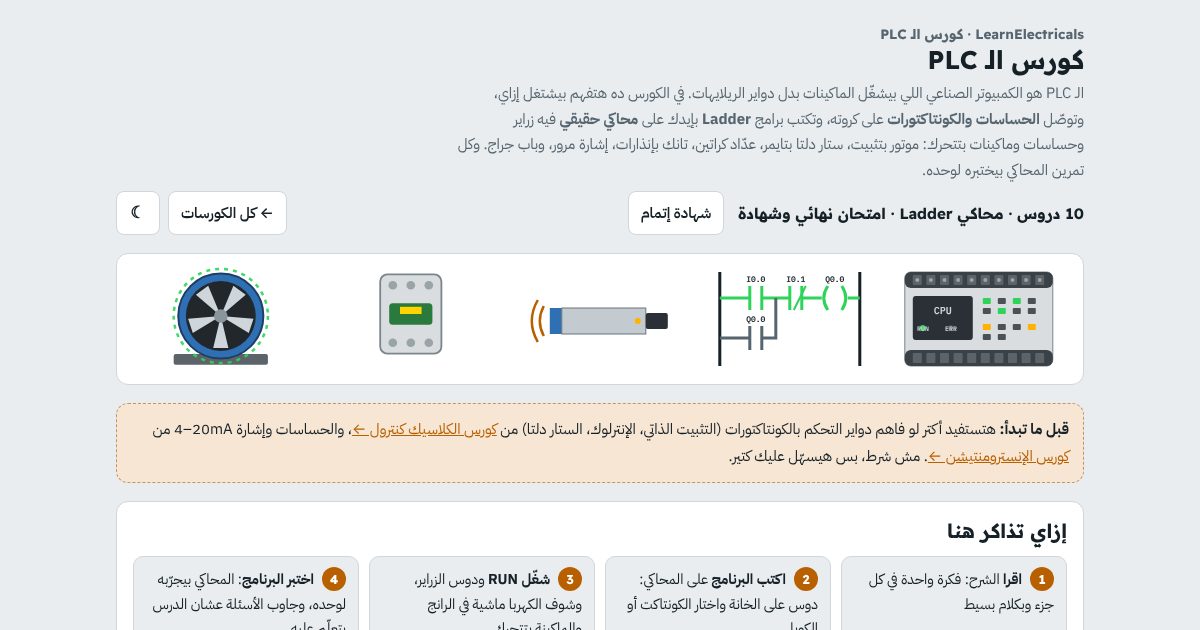
The course in numbers
10lessons, from the scan cycle to projects
4projects with moving machines and automatic tests
1final exam and a completion certificate
39exercises, experiments and self-checking questions
PLC
What you'll learn
- How a PLC works, the scan cycle and its parts
- Wire PNP and NPN sensors to inputs, and relay and transistor outputs
- Write Ladder with NO and NC contacts and coils, AND and OR
- Start and stop a motor with seal-in, Set/Reset and interlocks
- Use TON, TOF and TP timers and program star/delta
- Count with CTU and CTD and compare values
- Scale a 4–20 mA signal to a real value and add High and Low alarms
- Find program errors with online monitoring and forcing
Contents
The lessons
In order. Every lesson has a short explanation, hands-on experiments and questions.
- What is a PLC?FreeHow it differs from relay logic, the scan cycle, and its parts: CPU, power supply, I/O cards, and the major brands
- Wiring a PLCFree24 V DC supply, sinking and sourcing inputs with PNP and NPN sensors, and relay and transistor outputs
- Your first Ladder programNO and NC contacts and coils, AND and OR, and the trap of a Stop button wired NC
- Seal-in and Set/ResetDOL start/stop with seal-in, Set and Reset, and interlocks for reversing
- TimersFreeTON, TOF and TP, and a star/delta program with a timer
- Counters and comparisonCTU and CTD, a bottle counter on a conveyor, and compare instructions in a car park
- Memory, flags and edgesM bits, rising and falling edges, and one button for start and stop
- Analog signals in the PLCFrom 4–20 mA to raw counts to a real value, and a tank with High and Low alarms and pump control
- Practical projectsTraffic lights, a mixing tank, sorting boxes on a conveyor, and a garage door: each with a moving machine and an automatic test
- Troubleshooting and the final examOnline monitoring and forcing, the most common program mistakes, and the final exam
Who it's for
Who this course is for
- Electrical and maintenance technicians moving into automation
- Electrical, mechatronics and control engineering students
- You know classic control and want to turn circuits into programs
- You'll work on Siemens, Allen-Bradley or Delta and need the foundations first
FAQ
Before you ask
Do I need a background first?
You'll get more out of it if you understand contactor control circuits: seal-in, interlocks and star/delta. If not, start with the classic control course.
Is it for a specific PLC brand?
The simulator is a general trainer with IEC/Siemens-style addresses like I0.0 and Q0.0. The logic is the same on every PLC; only the address format and instruction names differ. There are also Siemens-, Delta- and Allen-Bradley-style simulators, each with 8 exercises from real plants.
Do I need to install software?
No. The Ladder simulator runs in the browser on phones and computers. It doesn't replace vendor software like TIA Portal or Studio 5000.
Is there a certificate?
Yes. When you finish every lesson and the final exam while signed in, you can get a Course Completion Certificate with a verification code and QR code. It confirms you completed the course; it is not an accredited qualification.
Is the course free?
The first two lessons and lesson 5 are open to everyone, no account needed. The other lessons need a free account you can create in seconds with your email.
Ready to start PLC?
The first two lessons and lesson 5 are free, no account needed. Start now and continue at your own pace; your progress is saved.