
Learn classic control, VFDs and servo hands‑on, before you stand in front of the panel.
Interactive courses and simulators for the control devices you find in every plant: the same keypad, the same display, the same terminals. Wire it, set the parameters, run the motor, then create a fault and fix it, all in your browser.
New to electricity? Start with the basics course. Experienced? Start with PowerFlex 525 and open “Start here”.
The lessons and simulators are in Arabic for now; English versions are on the way.
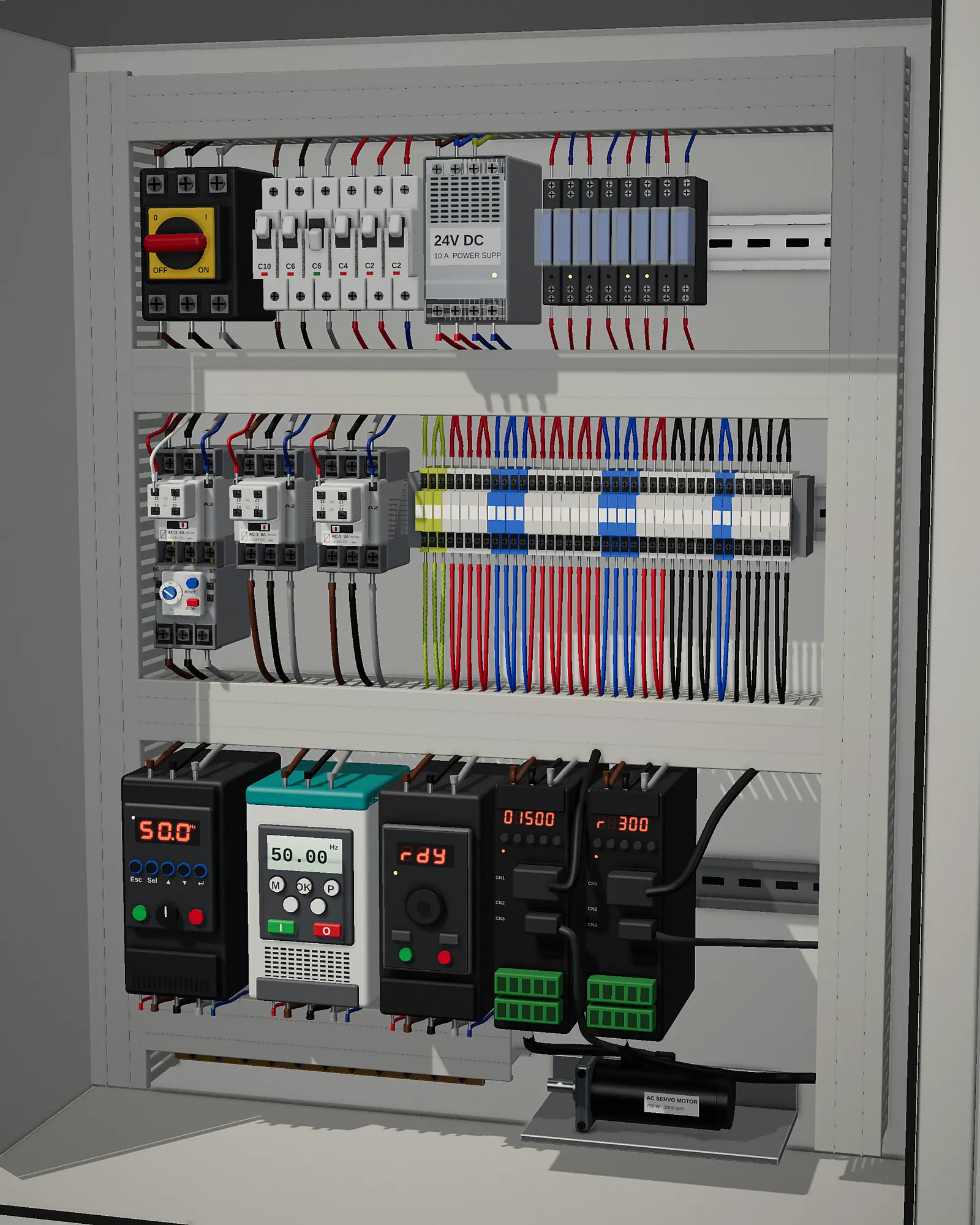 VFDs, contactors and servo: everything in the panel, learn it here →
The site in numbers
Where to start? Follow this order
Each course builds on the one before. If you already have experience, start at the stage that suits you.
- Stage 1 · Beginners
Electrical basics
New to electricity? Start here.
- Voltage, current, resistance and power
- Series, parallel and conductors
- Using a multimeter
- Wiring a lamp and socket, home faults
- Stage 2
Classic control
Wire motor circuits by hand, wire by wire.
- Relays, contactors and protection
- Timers and 3-phase motor starting
- Star/delta, braking and reversing
- 24 practical exercises and a certificate
- Stage 3
Reading electrical drawings
Read any panel drawing and trace faults from it.
- Drawing types, IEC and NEMA symbols
- Terminal numbers and cross-references
- Control circuits and single line
- Fault tracing from the drawing
- Stage 4
Instrumentation
The sensors and signals in every plant.
- The 4–20 mA signal and its faults
- Encoders: incremental and absolute
- Thermocouples and PT100
- Load cells and scale calibration
- Stage 5
PLC
Write Ladder programs and run them on a simulator.
- Wiring PNP and NPN inputs and outputs
- Seal-in and Set/Reset
- Timers, counters and analog
- Projects with moving machines
- Stage 6
VFDs and servo
Simulators for the most common plant devices.
- Allen-Bradley, Siemens, Schneider
- Delta, Danfoss, Omron
- Wiring, parameters and operation
- Faults you create and clear
Interview questions
221 questions really asked in electrical, maintenance and automation interviews, with short answers and a self-test mode.
The same steps as on the plant floor, in order
Device simulators open in guided mode: 6 solved exercises, 4 steps each. When you're done, full mode is waiting with a live wiring diagram, the parameter table, faults and references.
Pick the device
The same model you have at work, or the one you'll be tested on.
Wire it
Power, motor and control terminals, and the simulator tells you if something's wrong.
Enter the parameters yourself
From the keypad with the same buttons, and a ✓ as soon as the value is right.
Run the motor
Start, stop, speed and reverse, and watch current and frequency change.
Create a fault and fix it
Overload, phase loss, overvoltage… understand the code and reset it properly.
Choose your device and start
Search by name or filter by brand. Each card opens the simulator straight away.
For learners, and for trainers
Students and technicians
- Practise on the device without fear of burning anything.
- Learn the keypad before you face it at the plant.
- Understand each fault code, its cause and its fix.
- Self-checking exercises, with your progress saved.
- Every parameter explained in plain language.
Trainers and training centres
- Put the simulator on the projector and teach live.
- A real fault in a second, without opening the panel.
- Ready-made homework students solve from home.
- Compare the same function across brands in one simulator.
- Nothing to install: one link for the whole class.
Before you ask
Do I need an account?
Is the site in English?
Does it work on a phone?
Do I need to stay online?
Is the data 100% identical to the manual?
Can I enter the parameters by hand, like on the real drive?
Is my progress saved?
Can I use it in a course or training centre?
Is the site part of Rockwell or Siemens?
Have a question, or need a simulator for a specific device?
Send us the model you work with at your plant or training centre. We plan new courses around what people ask for.
Ready to start?
Pick a device and open “Start here”. The first exercise takes about 10 minutes; after that you can find your own way.